CM6000 Descaling Instructions
Revision as of 17:55, 15 March 2016 by imported>Jackie
Descaling Instructions
There are two versions of the CM6000 series. Please choose your control panel for the correct descaling instructions.
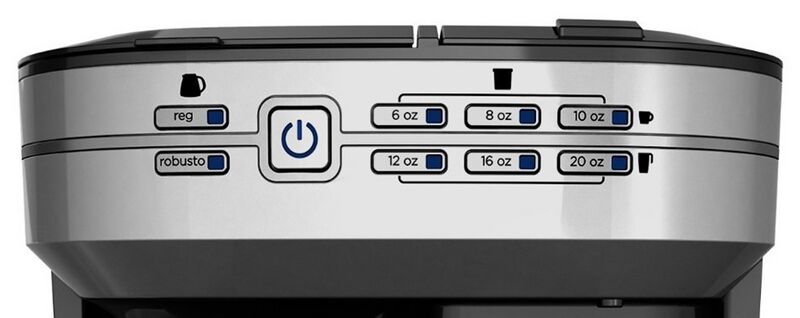
Descaling Instructions((.btn .btn-primary)) <agent> {{#widget:Manual|model=cm6000_1_descale}} </agent>
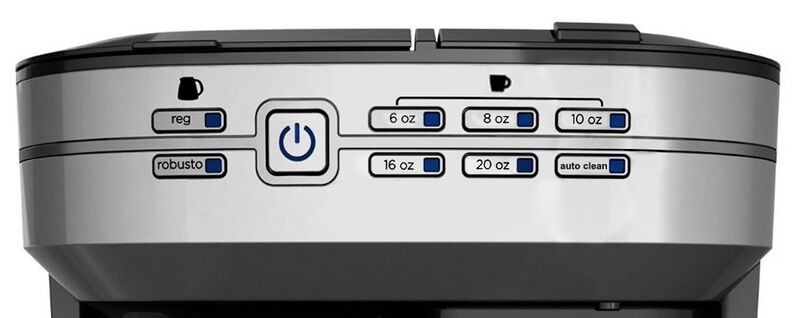
Descaling Instructions((.btn .btn-primary)) <agent> {{#widget:Manual|model=cm6000_2_descale}} </agent>
Basic Cleaning
The following cleaning directions should be followed after each use.
- Ensure your coffeemaker is unplugged and cool.
- Open carafe filter basket lid. If remaining, throw away the used paper filter and coffee grounds. Remove the cone shaped carafe brew basket.
- Open single serve filter basket lid. If remaining, discard used Pod or coffee grounds. Remove any adapters from inside the filter basket.
- Wipe the outside of the coffeemaker, power cord, carafe plate and inside of the filter basket lid with a soft, damp cloth.
- Wash each removable piece of your Café Select™ per your instructional brochure.
- Rinse and dry all removable components before replacing into the unit.
Note:
- Do not use abrasive cleansers or scouring pads on this product.
- Never immerse the coffeemaker in water.
